

Types of BNB Casino Mobile Apps — PWA, Native, and Instant Play Explained
BNB casinos deliver their mobile experience through three distinct formats. Understanding the difference helps players choose the right setup and avoid frustration when looking for a download that simply does not exist.
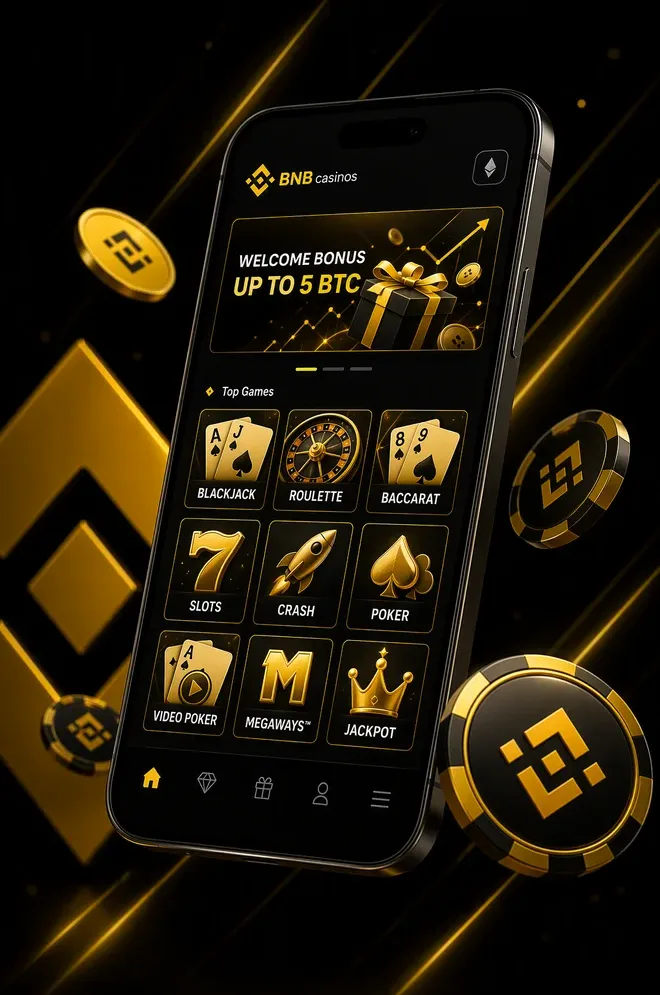
Progressive Web Apps (PWA) are by far the most common format at BNB and crypto casinos. A PWA is a website that behaves like an app — it can be added to the home screen, caches resources for fast loading, and supports push notifications. Critically, it bypasses Apple App Store and Google Play restrictions, both of which prohibit real-money crypto gambling apps in most regions. PWAs update automatically in the background, so players always have the latest version without manual installs.
Native iOS and Android apps exist at a small number of BNB-friendly casinos, typically those that have obtained special jurisdiction exemptions or operate under a brand that separates the gambling functionality. These are the exception, not the rule — most Canadian players will not find their preferred BNB casino on the App Store.
Instant play via mobile browser requires no installation at all. Opening the casino URL in Chrome or Safari on a phone gives full access to the game library through HTML5. Performance is comparable to a PWA, though players miss out on home screen icons and push notifications.
| Format | Pros | Cons | Availability at BNB Casinos |
|---|---|---|---|
| PWA | Home screen icon, push alerts, fast caching, no store required | Requires manual install from browser | Very common — industry standard |
| Native App | Deepest OS integration, biometric login | Blocked by App Store / Play Store for crypto gambling | Rare — very few operators |
| Instant Play (Browser) | Zero install, works on any device | No icon, no push notifications, slower initial load | Universal — all BNB casinos support this |
For players seeking a seamless experience without relying on App Store approval, the PWA model is recommended. For BNB casinos with no KYC requirements, the instant browser option also works well — see the BNB casinos with no KYC requirements guide for more context.
Best BNB Casino Apps for Canadian Players — 2026 Picks
The table below focuses exclusively on mobile performance criteria — app type, accessible game count on mobile, minimum deposit in C$, payout speed from a phone, and the standout mobile feature at each operator. Full casino reviews are available on the full list of top BNB casinos for Canada.
| Casino | App Type | Mobile Games | Min Deposit (C$) | Mobile Payout Speed | Key Mobile Feature |
|---|---|---|---|---|---|
| Wildcoins Casino | PWA + Browser | 4,000+ | C$10 | Instant–10 min | WalletConnect one-tap deposit |
| Bets.io | PWA | 3,500+ | C$10 | Instant–5 min | Touch ID login + push bonus alerts |
| Cloudbet | PWA + Browser | 3,000+ | C$12 | Instant–15 min | Full live dealer lobby on mobile |
| BC.Game | Native Android + PWA | 5,000+ | C$10 | Instant–10 min | Crash games optimised for touch |
| Stake.com | PWA + Browser | 2,500+ | C$10 | Instant | Proprietary mobile UI, no lag |
All five operators listed above accept BNB via BEP-20, credit deposits within seconds, and maintain full game libraries accessible on iOS and Android. Minimum deposits start at C$10, with no mobile-specific surcharges. For players interested in bonus claims from their phone, the BNB casino bonuses and welcome offers page details which promotions are available on mobile.
Mobile Wallet Integration — Connecting Trust Wallet and MetaMask on Your Phone
Connecting a crypto wallet to a BNB casino on mobile is straightforward once the correct network is confirmed. The three wallets experts recommend for mobile BNB play are:
- Trust Wallet — built-in WalletConnect support, BNB Smart Chain pre-configured, QR scan works directly in the app browser
- MetaMask Mobile — requires manual addition of BNB Smart Chain (Chain ID 56, RPC: bsc-dataseed.binance.org), then supports WalletConnect at all major casinos
- Binance Wallet (Web3 Wallet) — native BEP-20 support, fastest flow for players who already hold BNB on Binance
- Coinbase Wallet — supports BSC via custom network, good fallback option for Canadian players using Coinbase exchange
To connect: open the BNB casino in your mobile browser, navigate to the deposit section, select BNB (BEP-20), and choose WalletConnect. A QR code or deep link will open your wallet app for approval. Always verify the network displays BNB Smart Chain before confirming — sending on BEP-2 or ERC-20 instead of BEP-20 can result in permanently lost funds.
For a complete deposit walkthrough, the how to deposit BNB at a casino guide covers every step in detail.
Mobile Gaming Performance — Load Times, Graphics, and Touch Controls
Modern BNB casino games are built on HTML5 and designed mobile-first by leading studios. In practice, this translates to a smooth experience across mid-range and flagship devices.
- Load times: Slots from Pragmatic Play and Big Time Gaming load in 2–4 seconds on a stable 4G connection. First-session caching means subsequent loads are faster.
- Live dealer: Evolution Gaming and Pragmatic Play Live streams require a minimum stable connection of 5 Mbps for HD quality. On a 5G or strong Wi-Fi signal, latency is imperceptible.
- Touch controls: Spin buttons, bet adjusters, and autoplay toggles are sized for finger taps — no pinch-zooming required. Crash games like Aviator (Spribe, RTP 97.0%) are particularly well-optimised with a single-tap cashout.
- Graphics scaling: Titles automatically detect screen resolution and adjust asset quality, preventing the pixelation common on older browser-based casino games.
- Data usage: A one-hour slot session consumes approximately 80–150 MB. A live dealer session runs at 300–600 MB per hour on standard HD quality.
For game-specific recommendations by RTP and volatility, the BNB casino games — slots, live dealer, and crash guide provides a full breakdown.
How to Add a BNB Casino App to Your Home Screen — Step by Step
Installing a BNB casino PWA takes under 60 seconds and gives players an app-like shortcut without any App Store involvement. The process differs slightly between iOS and Android.
iOS (Safari — iPhone and iPad):
- Open the casino website in Safari (not Chrome or Firefox — iOS PWA install only works in Safari).
- Tap the Share button — the square icon with an upward arrow at the bottom of the screen.
- Scroll down the share sheet and tap Add to Home Screen.
- Edit the shortcut name if desired, then tap Add in the top-right corner.
The casino icon now appears on the home screen. Push notifications require iOS 16.4 or later and must be enabled in Settings → Notifications after the first launch.
Android (Chrome):
- Open the casino website in Chrome.
- Tap the three-dot menu in the top-right corner and select Add to Home Screen (or Install App if the site triggers a Chrome install banner).
- Tap Add to confirm — the icon appears on the home screen and in the app drawer.
After installation, the casino runs in standalone mode — no browser address bar, full-screen layout, and push notification support. The PWA updates automatically when the casino pushes changes, so the experience stays current without manual intervention.
Mobile-Only Perks — Push Alerts, Biometric Login, and Quick-Bet Widgets
Playing BNB casino games through a mobile PWA unlocks a set of conveniences that simply do not exist on desktop. Experts point to five features that make the mobile experience genuinely superior for active Canadian players:
- Push notifications: Opt in once and the casino alerts you the moment a new free-spin drop, limited-time tournament, or BNB casino bonus goes live — no need to check the site manually.
- Biometric login: Face ID and fingerprint authentication replace typed passwords, letting players reach the cashier in under two seconds.
- Quick-bet widgets: Some BNB casino PWAs surface a home-screen widget showing your balance and a one-tap link to your last-played slot — ideal for short sessions.
- Mobile-exclusive promotions: Select operators reward app installs with additional free spins or a small deposit boost credited automatically on first mobile session.
- Instant BNB deposits on the go: WalletConnect integration means approving a C$10 top-up takes a single biometric tap in Trust Wallet — the BEP-20 confirmation arrives in roughly six seconds.
Frequently Asked Questions
Do BNB casinos have native iOS or Android apps?
Most BNB casinos do not offer native apps on the App Store or Google Play because both platforms restrict real-money crypto gambling. Instead, they provide Progressive Web Apps (PWAs) that you install directly from the casino site. PWAs look and feel like native apps — with home screen icons, push notifications, and offline caching — but require no download or updates through an app store.
Can I connect Trust Wallet to a BNB casino on my phone?
Yes. Most BNB casinos support WalletConnect, which lets you link Trust Wallet directly from your mobile browser or PWA. Open the casino deposit page, choose BNB (BEP-20), tap WalletConnect, and approve the connection in Trust Wallet. Always confirm the network is set to BNB Smart Chain to avoid sending funds on the wrong chain.
What is the minimum deposit to play BNB casino games on mobile?
The standard minimum deposit at most BNB casinos is 0.01 BNB, which equals roughly C$8–C$12 depending on the current exchange rate. This applies equally on mobile and desktop — there is no difference in deposit limits between devices. Network fees on BSC typically cost under C$0.10 per transaction.
Are mobile BNB casino payouts as fast as on desktop?
Yes. Withdrawal speed depends on the blockchain, not your device. BNB payouts on the BNB Smart Chain take about 6 seconds (2 block confirmations) whether you request them from a phone or a computer. The only potential delay is KYC verification on first withdrawal, which some casinos require regardless of device.
How do I install a BNB casino PWA on my iPhone?
Open the casino website in Safari, tap the Share button (square with arrow), scroll down and select "Add to Home Screen", then tap "Add". The casino icon will appear on your home screen like a regular app. You can enable notifications in iOS Settings afterward. This works on iOS 16.4 and later for push notification support.
Do BNB casino mobile apps work offline?
PWA casino apps cache some interface elements for faster loading, but you cannot play real-money games offline. All spins, bets, and live dealer sessions require an active internet connection to communicate with the casino server and blockchain. However, you can browse game catalogues and check your balance with minimal data usage.